✦ Made for Notion
Your entire freelance
business. One place.
The Notion template that keeps your clients, projects, tasks, invoices, and income in one connected workspace — built for freelancers of every kind.
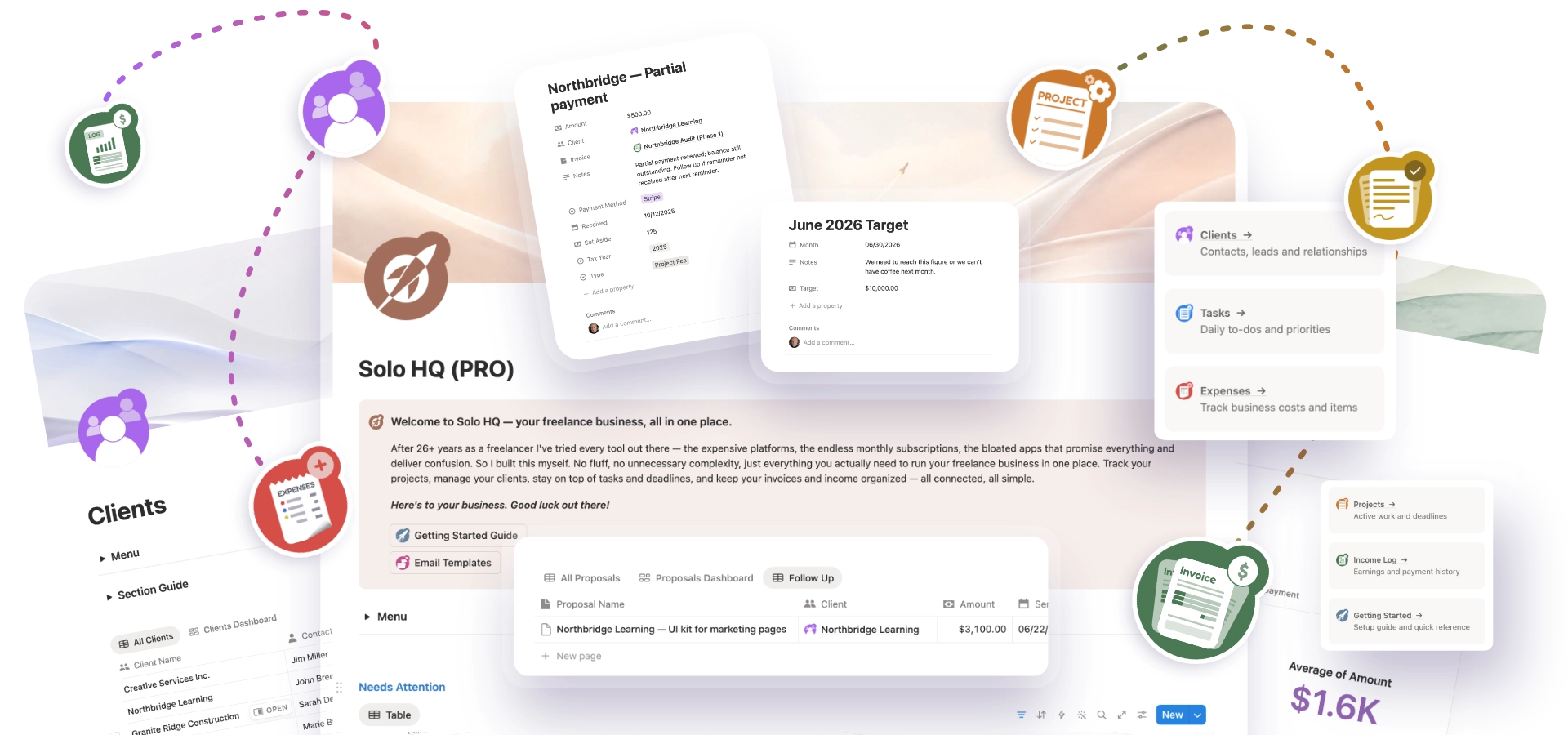
The Notion template that keeps your clients, projects, tasks, invoices, and income in one connected workspace — built for freelancers of every kind.
Clients in one place. Projects in another. Invoices somewhere else. You're the only thing holding it together.
Project manager. CRM. Invoice app. Time tracker. You're paying for all of them, every month, forever.
Copy-pasting between apps. Manually checking what's overdue. Building a system out of workarounds. There's a better way.
Stop being the glue. Let the system do it.
One workspace. Every section connected. Free to start.
Solo HQ brings your entire freelance operation into a single Notion workspace. Clients link to projects. Projects link to tasks. Tasks link to invoices. Everything talks to everything else — no manual syncing, no tab switching, no subscriptions.
Built by a freelancer with 26 years of experience who got tired of tools that didn't quite fit.
See what's inside
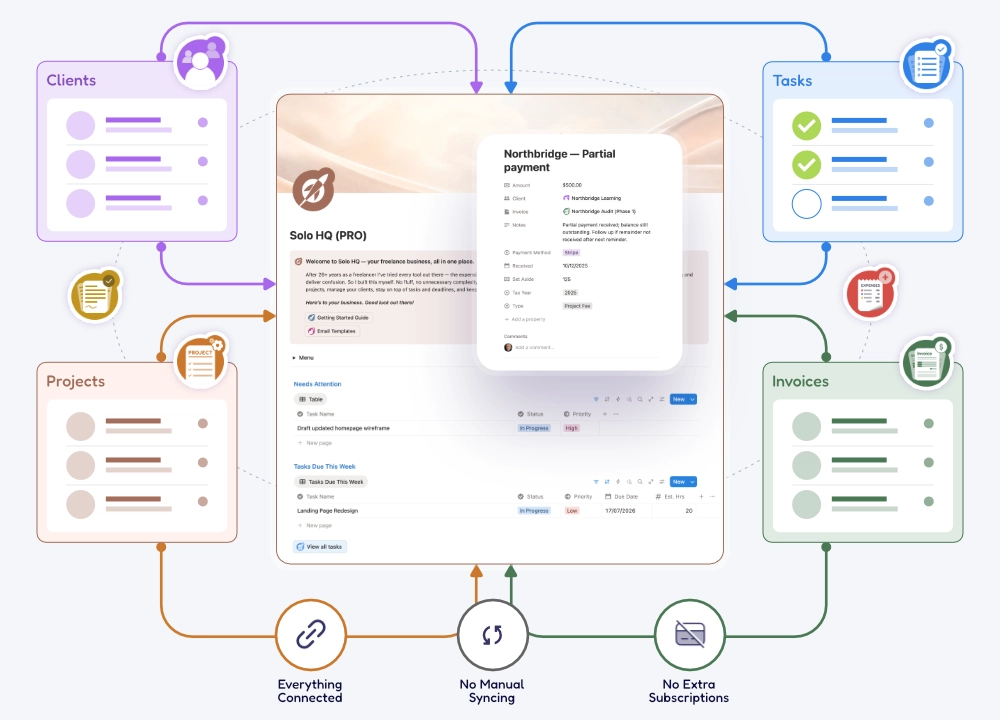
Every section is fully connected — change one thing and it updates everywhere.
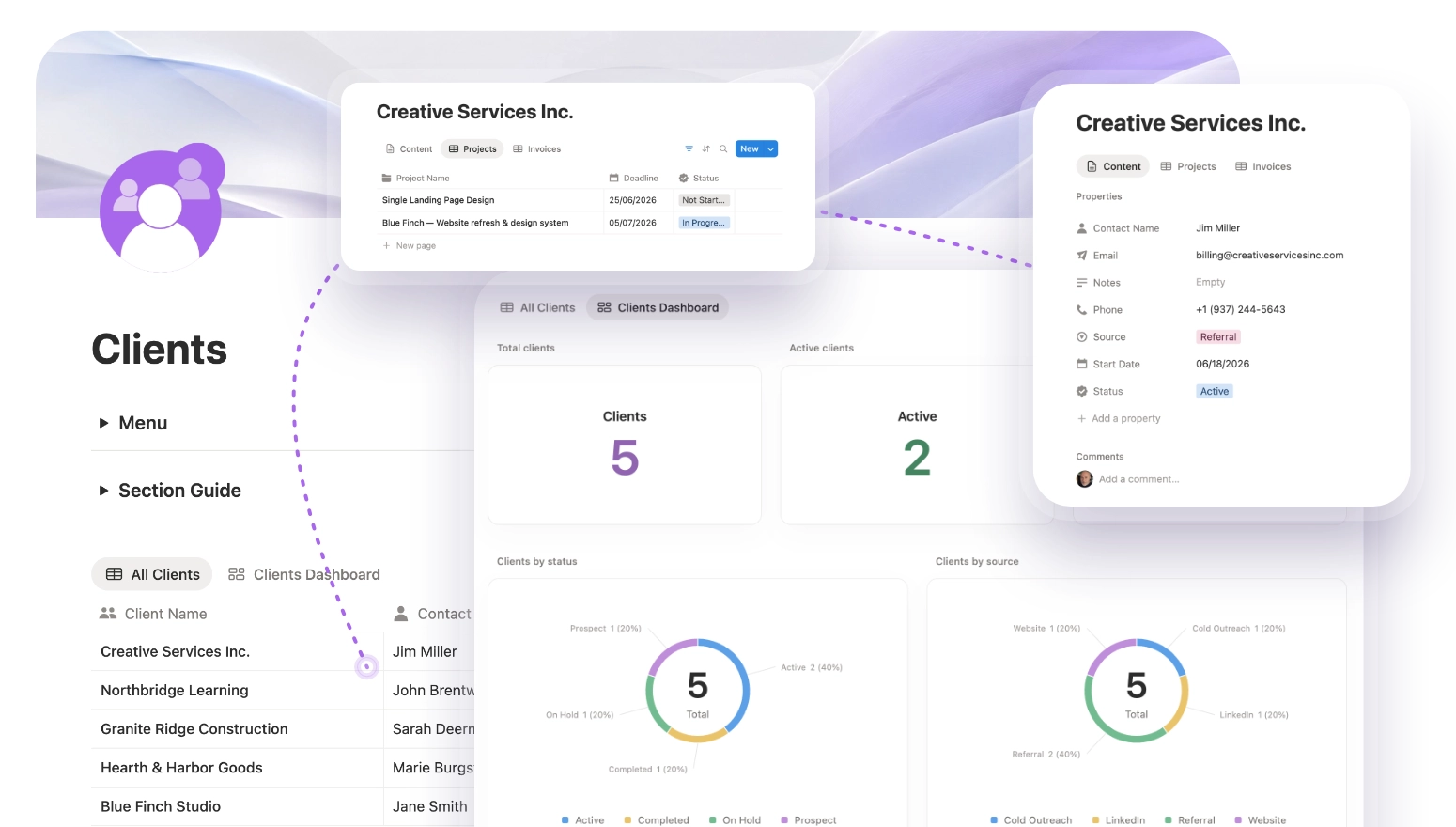
Store every contact, track lead status, and see your full client history at a glance. Automatically linked to every project, proposal, and invoice in your workspace.
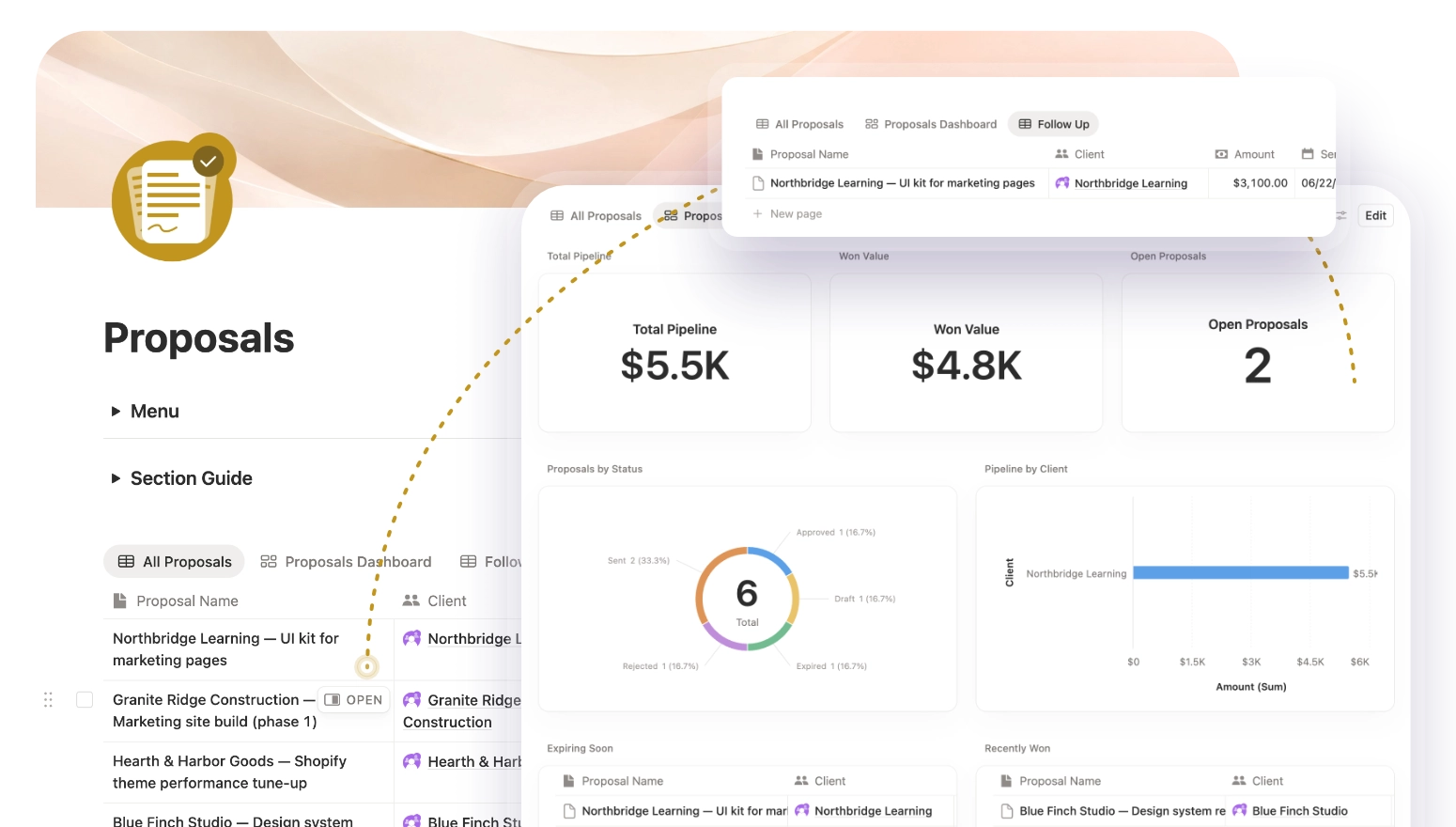
Track every quote from draft to approval. Know exactly what's pending, signed off, or expired — all linked to the right client, ready to convert into a project.
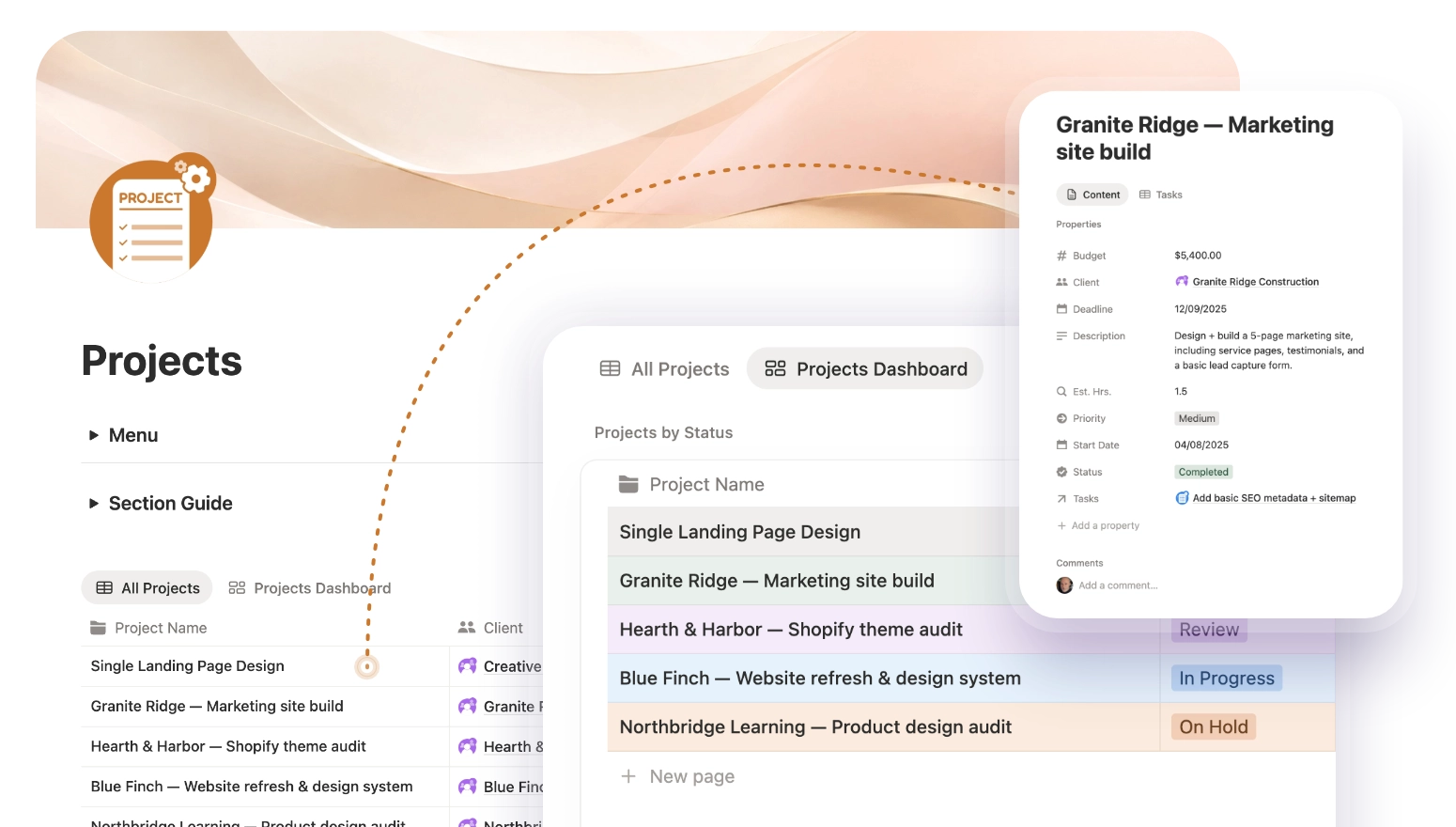
Deadlines, budgets, and status in one view. Every project is linked to its client and tasks from day one — no manual connecting required.
Full dashboard available in Pro
Stop being the glue. Let the system do it.
One workspace. Every section connected. Free to start.
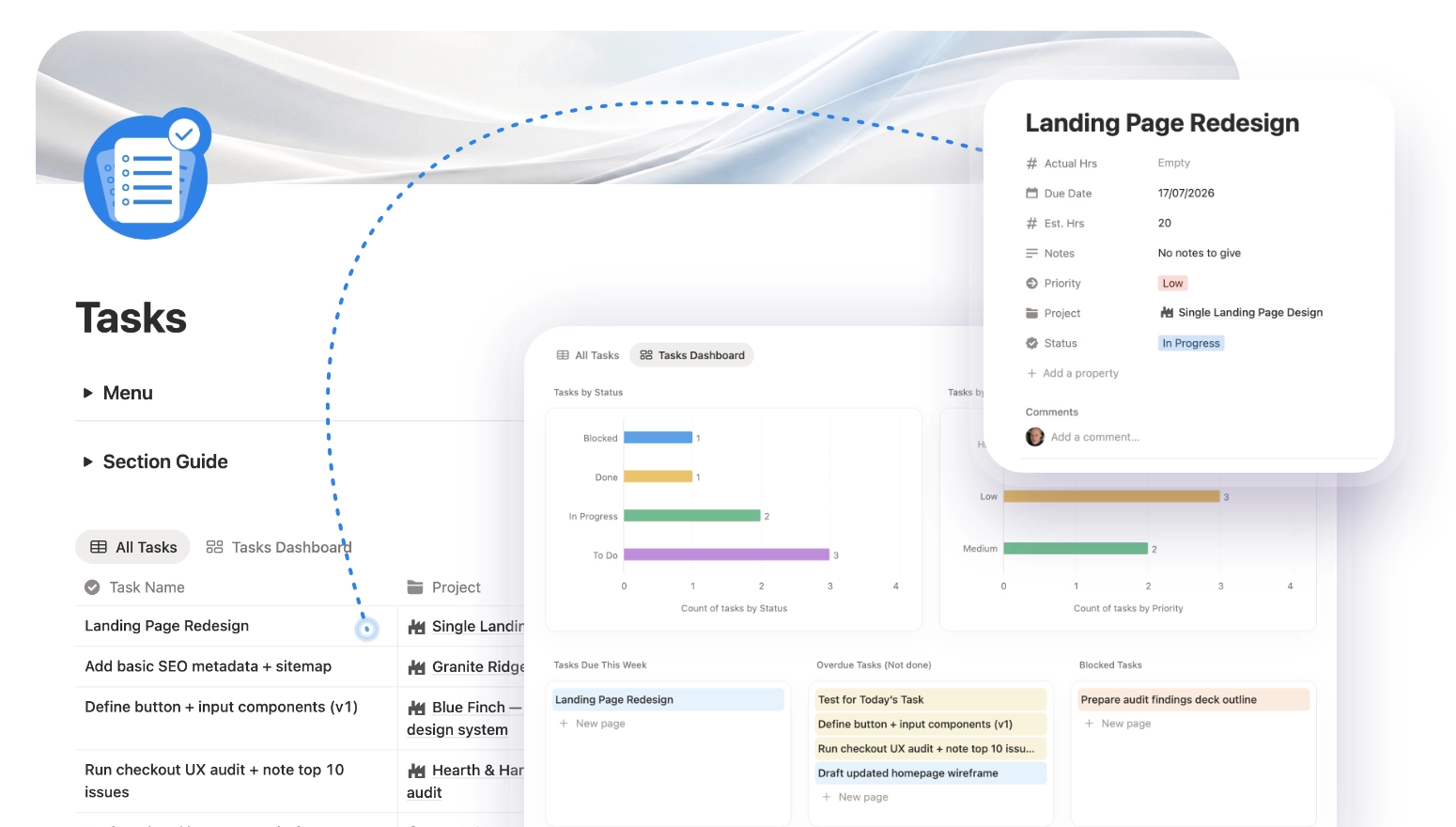
Priority-sorted to-dos, linked back to the right project. See what's overdue, what's blocked, and what needs doing today — all in one place.
Full dashboard available in Pro
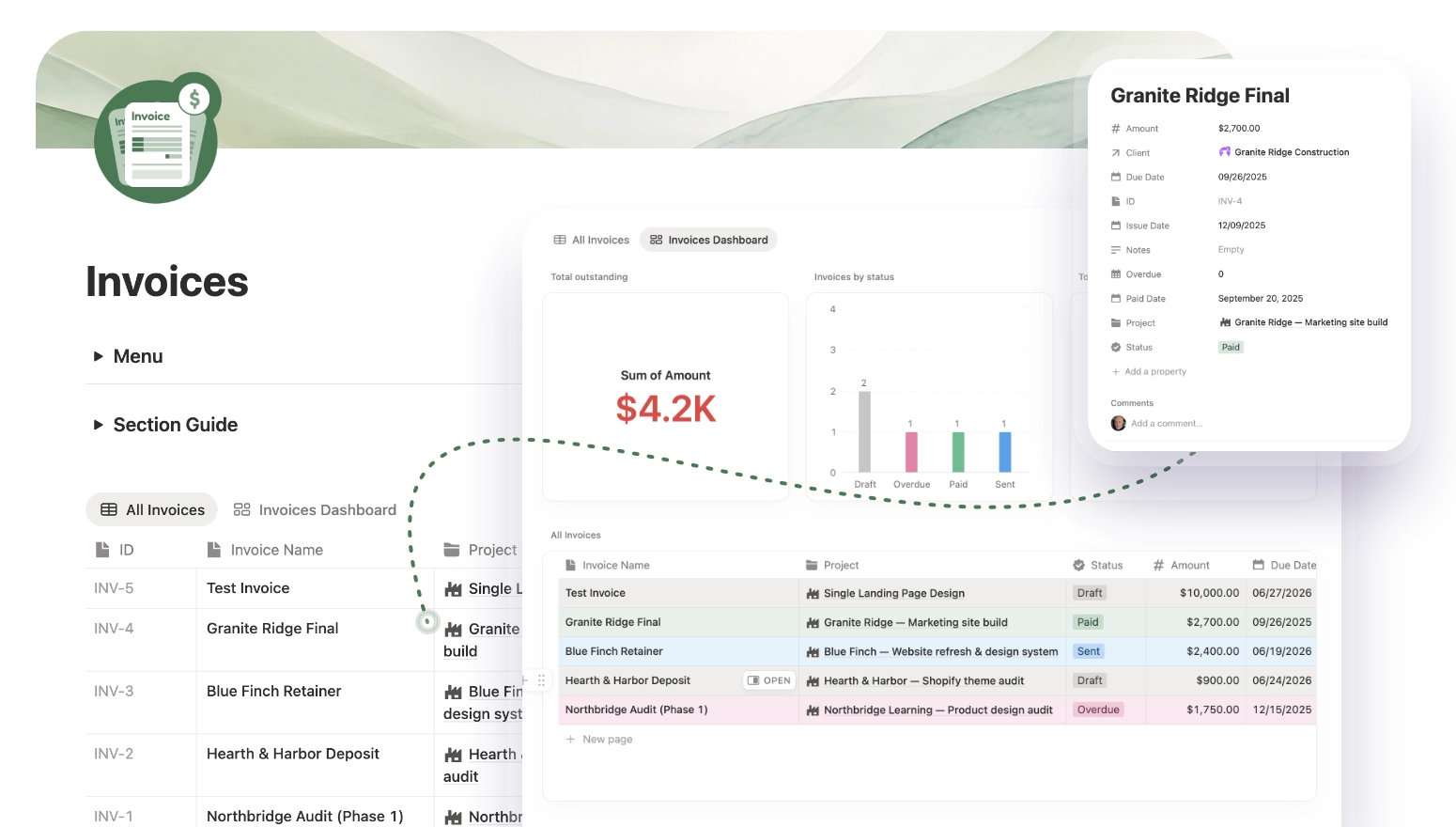
Auto-numbered invoices, overdue detection, and a full payment history dashboard. Know exactly what's outstanding, what's been paid, and what's coming due.
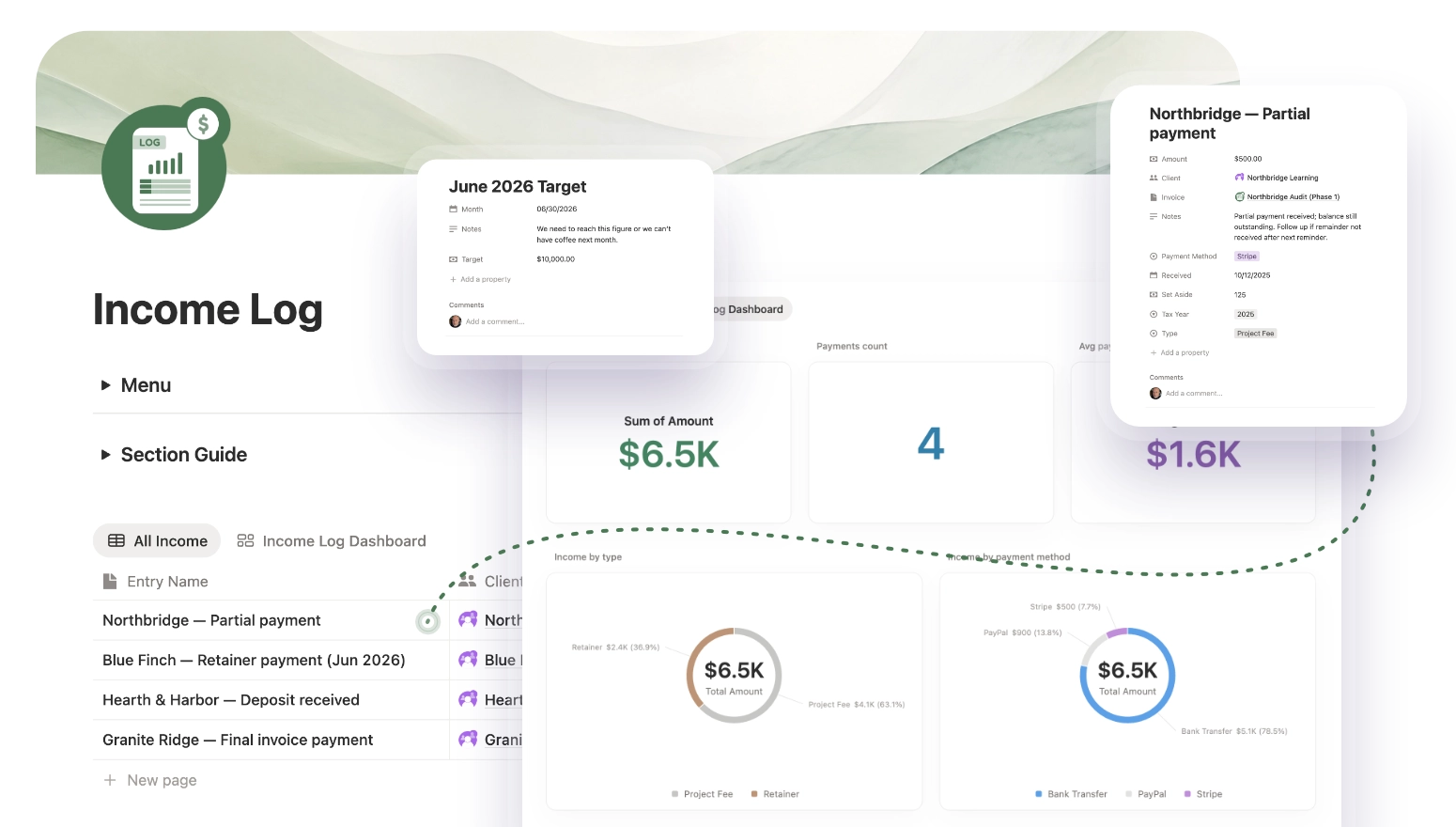
Every payment received, categorized by type, method, and tax year. Charts, totals, and averages — so you always know how the business is doing.
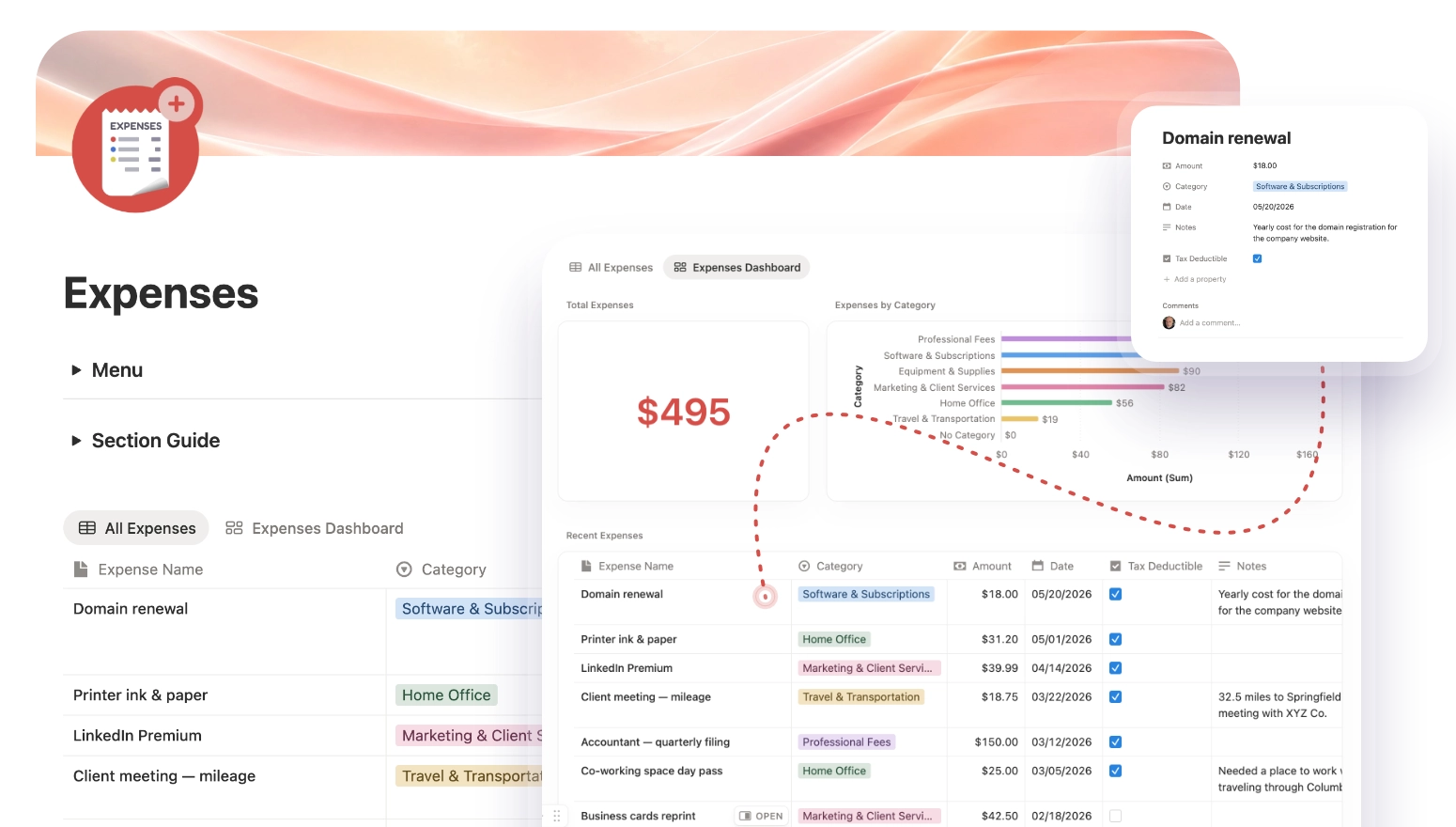
Categorized expenses, dated and logged. Track what you spend as carefully as what you earn — and arrive at tax season actually prepared.

I built Solo HQ because every freelance tool I tried was either overkill or oversimplified. This is the system I actually use.Jonathan Atkinson — UI/UX Designer, 26 years experience
One-time payment. No subscriptions. Yours forever.
Organize your work
Run your entire business

Fully connected sections — clients, proposals, projects, tasks, invoices, income, and expenses.
Pay once, use forever. No subscription, no renewal, no catch.
"Everything a freelancer needs is finally in one place — clients, projects, tasks, proposals, invoices, income, and expenses — without feeling overwhelming. Clean, practical, and easy to understand. You can tell a lot of thought went into making this useful for real freelance work."
Everything you need to know before getting started. Can't find your answer? Drop us a message.
No — Solo HQ works on a free Notion account. Everything you need is included in Notion's free tier. The only cost is the one-time purchase of Solo HQ. No subscriptions, ever.
You'll receive a PDF download immediately after purchase. Inside is a Notion duplicate link — click it and the template is added directly to your own Notion workspace in seconds.
Yes — the Free version includes Clients, Projects, and Tasks, all fully connected. It's a genuine working template, not a demo. Upgrade to Pro when you're ready for the full system.
Yes. One payment, yours forever. No monthly fees, no renewal charges. If we release a significant update, existing buyers get it at a discount.
Solo HQ includes a Getting Started guide that walks you through everything. You don't need to understand how Notion works under the hood — just duplicate the template and start filling it in.
Absolutely — Notion is fully customizable, and Solo HQ is built to be adapted. Add properties, change views, rename sections. It's your workspace; we've just given it a strong foundation.
Everything you need to manage your freelance business — connected, clean, and ready in minutes.